
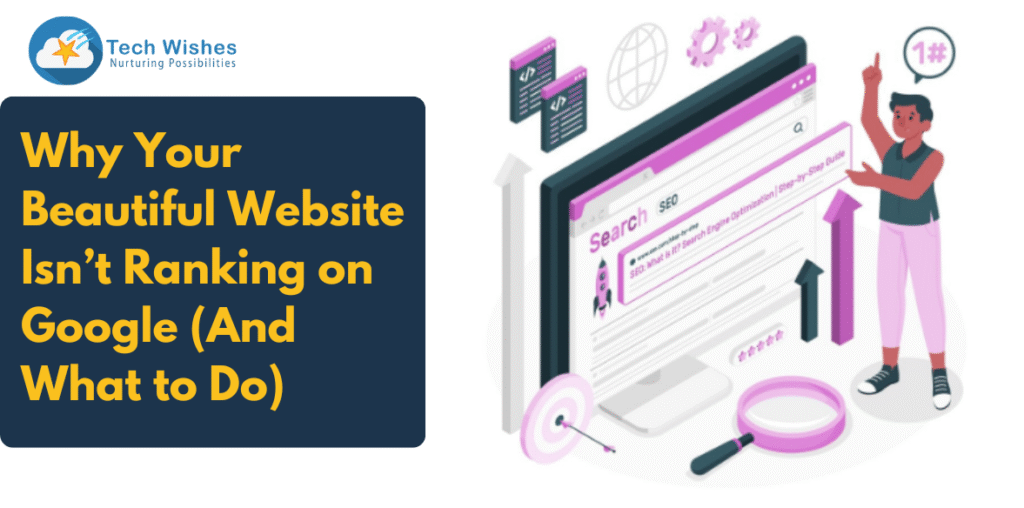
You Built a Beautiful Website. So Why Isn’t It on Page One?
You’ve invested in a gorgeous, responsive website with top-notch visuals, sleek animations, and a polished brand identity. But there’s one big problem: you’re not getting any traffic from Google.
If your website looks amazing but doesn’t show up in search engine results, you’re not alone. Many businesses fall into the trap of thinking that good design alone is enough to rank. In this blog, we’ll break down exactly why your website isn’t ranking on Google and what you can do to fix it, especially in the era of AI search, AEO (Answer Engine Optimisation), and geo-specific search.
Reason #1: You Haven’t Optimised for SEO Fundamentals
Design alone doesn’t get you to the top of Google. You need to implement the core SEO best practices:
- Keyword-rich title tags and meta descriptions
- Headings (H1, H2, H3) with relevant long-tail keywords
- Image alt text and compression
- Clean URL structure
- Fast load speed
- XML sitemap submission
- Robots.txt configuration
If your site lacks these SEO basics, it’s like building a mansion in the middle of the desert—no one will find it.
Reason #2: Poor Technical SEO and Site Structure
Google’s bots need to crawl and index your site. If you’re unknowingly blocking crawlers with broken links, unnecessary scripts, or confusing architecture, your site won’t perform.
Common issues:
- Broken internal links
- Orphan pages (pages not linked from anywhere)
- Duplicate content
- Missing canonical tags
- JavaScript-heavy websites that hide content from crawlers
Fix: Use tools like Google Search Console, Screaming Frog, or Ahrefs to audit technical SEO. Create a clear content hierarchy and ensure every important page is accessible within three clicks.
Reason #3: Your Site Isn’t Aligned with User Intent (or AI Search)
Today, Google’s AI-powered algorithms don’t just match keywords—they understand search intent. A pretty landing page that doesn’t answer questions or deliver value will get pushed down the rankings.
Example:
If someone searches “best ecommerce website development company in New York,” and your homepage doesn’t mention your location, services, or client use cases, you’re invisible to AI search systems.
Fix:
- Align pages to specific queries
- Add FAQs and concise answers
- Implement Answer Engine Optimisation (AEO) tactics like question-based subheadings and direct answers.
- Use structured data to mark up reviews, business info, and service types
Reason #4: Lack of GEO Optimisation
If you’re a local or service-based business, geo signals matter. Google prioritises websites that demonstrate local relevance.
What you may be missing:
- Location pages (e.g., “Web development company in NYC”)
- Google Business Profile connection
- NAP consistency (Name, Address, Phone)
- Local backlinks and schema markup
Fix:
- Add location-specific landing pages
- Embed maps and local reviews
- Use geo keywords naturally in headings and content
Reason #5: No Structured Data (Schema Markup)
Google loves structured data. It helps bots understand your content, enabling rich results like star ratings, event dates, and product details in search results.
Fix:
- Add JSON-LD schema for articles, products, FAQs, and local businesses
- Use tools like Schema.org, Google’s Rich Results Test, or Shopify schema apps
Structured data also enhances your presence in AI search engines, improving visibility and click-through rates.
Reason #6: Weak or Missing Content Strategy
Aesthetic design means nothing if there’s no depth. Google rewards content-rich websites that regularly publish helpful, optimised blog posts and landing pages.
Ask yourself:
- Do you have a blog or resource section?
- Are you publishing keyword-targeted content?
- Is your content unique and valuable?
Fix:
- Perform keyword research using tools like SEMrush or Ubersuggest
- Build a content calendar
- Include internal links and CTAs within content
Reason #7: Page Speed and Core Web Vitals Failures
No one likes a slow website—including Google. If your site takes more than 3 seconds to load, you’re losing users and rankings.
Fix:
- Compress images and enable lazy loading
- Use fast hosting and CDN
- Minify JavaScript and CSS
- Test with Google PageSpeed Insights or Lighthouse
Action Plan: How to Make Your Website Rank on Google
- Audit SEO Basics: Ensure all metadata, H1S, and image tags are optimised.
- Fix Technical Errors: Use crawling tools to identify and repair issues.
- Revise Content for AEO: Add FAQs, structured content, and clear answers.
- Add Schema Markup: Especially for services, products, and local business details.
- Geo-Target Your Pages: If you’re local, make it obvious to both users and search engines.
- Strengthen Your Blog: Regularly publish keyword-optimised, problem-solving content.
- Boost Speed: Pass Core Web Vitals and mobile usability benchmarks.
Final Thoughts
Great design gets attention, but great SEO gets traffic. Your website might look stunning, but if it’s not SEO-optimised, AI-ready, AEO-structured, and technically sound, you’re invisible to the users who need you most.
Don’t let your design investment go to waste. Optimise it with the right technical, content, and local SEO strategies, and turn your beautiful website into a powerful lead-generation machine.
Want a free SEO audit of your Shopify or custom website? Connect with Tech Wishes – we help premium brands scale traffic, improve visibility, and rank where it matters.