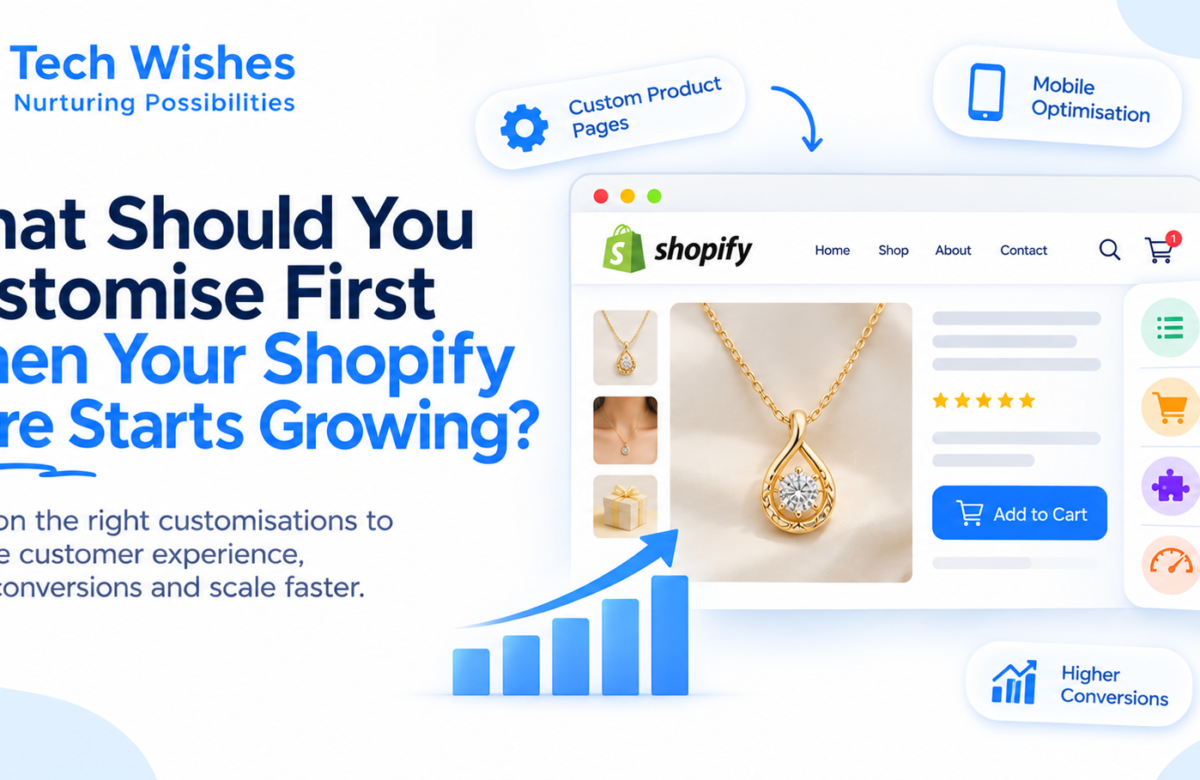

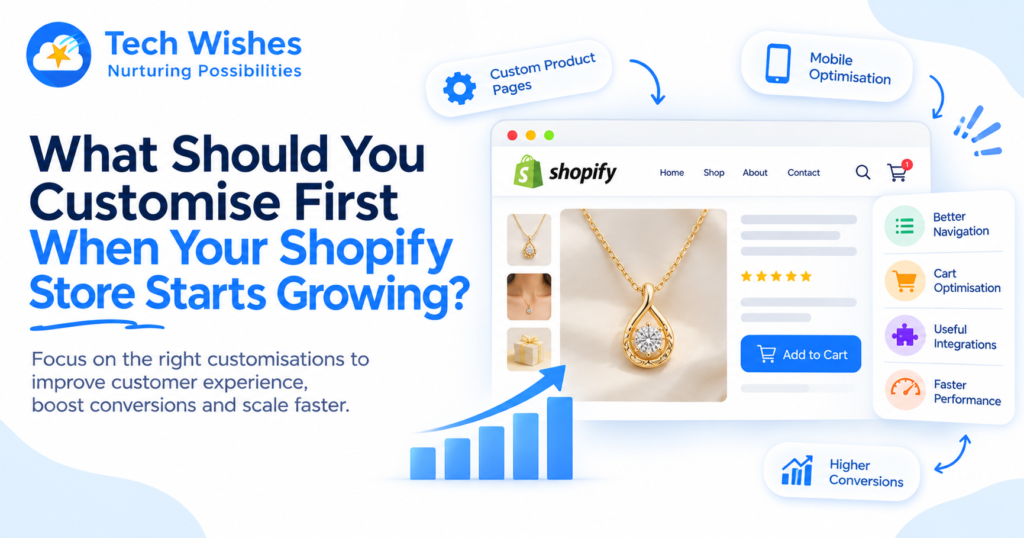
When a Shopify store starts growing, the first things worth customising are usually the parts that directly affect customer experience, conversion rates, store performance, and operational efficiency. That often means improving the product page, navigation, cart, checkout journey, and integrations before investing in purely visual changes. The goal of Shopify customisation isn’t to make everything different. It’s to remove the friction that’s preventing your growing store from performing better.
Growth changes the way your store needs to work.
A store that handled 20 orders a day may struggle when it starts handling 200. A product page that looked fine with 30 products may become difficult to navigate with 500. Manual processes that once took 10 minutes can suddenly consume hours.
That’s when customisation starts making sense.
Start With the Customer Journey
Before changing your theme or adding custom features, look at where customers are getting stuck.
Are visitors finding products easily?
Do they understand what makes a product worth buying?
Can they add items to their cart without confusion?
Is checkout quick on mobile?
Your first Shopify custom development project should ideally address the biggest point of friction, not simply the most noticeable design issue.
1. Customise Product Pages First
Your product page is where interest needs to turn into action.
As your catalogue grows, standard product templates may not communicate everything customers need.
You may benefit from custom elements such as:
- Product comparison tools
- Size or specification guides
- Product videos
- Trust badges
- Frequently asked questions
- Custom product options
- Dynamic recommendations
The important question isn’t, “What can we add?”
It’s, “What information is stopping customers from making a decision?”
That distinction keeps Shopify customisation focused on conversion rather than clutter.
2. Improve Navigation Before Adding More Features
A growing catalogue can create a surprisingly simple problem: customers can’t find what they’re looking for.
Better navigation, filtering, collections, search, and breadcrumbs can make a huge difference.
If customers need five clicks to find a product that should take two, your store is creating unnecessary friction.
For larger catalogues, custom Shopify development can help create smarter filtering and navigation experiences based on how customers actually shop.
Good navigation doesn’t draw attention to itself.
It simply gets customers where they want to go.
3. Look Closely at the Cart
The cart is more than a place to review products.
It’s one of the last opportunities to increase order value and remove hesitation.
Growing stores can customise the cart with features such as:
- Product recommendations
- Free shipping progress bars
- Milestone rewards
- Bundle suggestions
- Quantity controls
- Cross-sells
The trick is restraint.
A cart filled with pop-ups and competing offers can create more friction than it removes.
The best cart optimisation feels like helpful guidance rather than another sales pitch.
4. Fix Mobile Experience
If your customers shop primarily from smartphones, mobile should not be treated as a smaller version of desktop.
Look at navigation, product images, sticky add-to-cart functionality, menus, forms, and checkout.
Small improvements can have a major impact because mobile shoppers are often less patient with slow or complicated experiences.
Mobile optimisation should therefore be one of the earliest priorities for a growing Shopify store.
5. Connect the Systems Behind the Store
Growth creates operational complexity.
Your Shopify store may need to communicate with a CRM, ERP, inventory system, shipping platform, accounting software, or other tools.
If employees are manually moving information between these systems, that’s a strong sign that API integration could deliver more value than another frontend feature.
For example, an order can automatically update inventory, trigger a CRM workflow, and send information to fulfilment.
The result isn’t just convenience.
It’s fewer errors and more scalable operations.
6. Optimise Performance Before Adding More Technology
There’s an uncomfortable truth about Shopify customisation: more features can make a store slower.
Additional apps, scripts, large images, animations, and custom code can all affect website performance.
Before adding another feature, check whether your current store is already carrying unnecessary technical weight.
Sometimes the best customisation is removing something.
A faster store can improve user experience, engagement, and conversion rates without adding a single new feature.
7. Customise What Your Business Does Differently
Not every feature needs to be custom.
Shopify’s standard functionality and reliable apps can handle many common requirements.
Custom development becomes most valuable when you have a process or customer experience that gives your business an advantage.
That could be a unique product builder, a complex pricing system, a custom subscription flow, or a workflow connecting multiple business systems.
Build around what makes your business different.
Don’t customise simply because you can.
A Better Way to Prioritise Customisation
When deciding what to build first, rank potential improvements using three questions:
Does it affect revenue?
Will it improve conversions, average order value, or retention?
Does it remove friction?
Will it make shopping or internal operations easier?
Does it scale?
Will the improvement continue delivering value as order volumes and customers increase?
The features that score highly across all three should move to the top of your roadmap.
How Tech Wishes Helps Growing Shopify Stores
At Tech Wishes, we help growing brands identify where Shopify customisation can create the most value. From custom product pages and cart experiences to API integrations, Shopify app development, mobile optimisation, performance improvements, and conversion rate optimisation (CRO), we build solutions around real business problems rather than adding complexity for the sake of it.
Because when your Shopify store starts growing, you don’t need everything to be custom.
You need the right things to be better.
FAQs
What’s the first thing I should customise on a growing Shopify store?
Start with the part of the customer journey creating the most friction. For many stores, that means the product page, navigation, cart, or mobile experience rather than visual redesigns.
Should I customise my Shopify theme or install an app?
It depends on the requirement. If an established app solves the problem reliably, it may be the simplest option. Custom Shopify development makes more sense when the functionality is unique, business-critical, or difficult to achieve with existing tools.
Can Shopify customisation improve conversions?
Yes. Custom features that remove friction from product discovery, product evaluation, cart, or checkout can contribute to better conversion rates. The impact depends on the specific problem being solved.
When should a Shopify store consider API integration?
Consider API integration when your team is manually transferring information between Shopify and systems such as CRM, ERP, inventory, accounting, or shipping platforms. Automating these workflows can reduce errors and save significant time as the business grows.
How can Tech Wishes help with Shopify customisation?
Tech Wishes provides Shopify customisation, custom development, API integration, Shopify app development, performance optimisation, mobile optimisation, and CRO to help growing ecommerce brands improve customer experience, efficiency, and scalability.